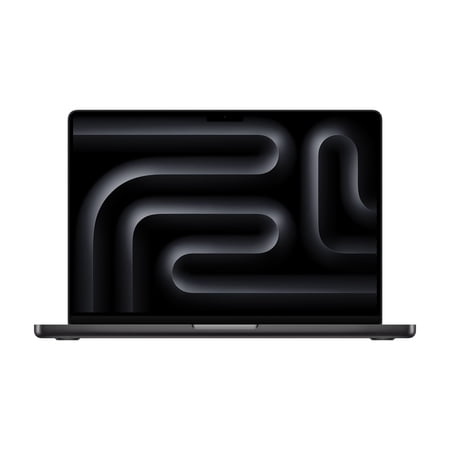


This configuration fits someone who needs project files close at hand and works in several places over the course of a week. The 2TB SSD gives you room for footage, build environments and current exports without taking an external drive on every trip. Keep a separate copy of irreplaceable work and leave space for the temporary files that editors and development tools create while a project is open. Check how your backup routine works away from the desk if the laptop will hold the only working copy.
The listing specifies the M5 Pro with a 15-core CPU and a 16-core GPU. Compiling a project, encoding media and applying effects can put the emphasis on different parts of that chip. Check how your apps behave with a typical project. For large compositions or several memory-heavy programs open together, consider whether 24GB gives you enough headroom. The guide to matching specs to your workload can help you think through that choice.
Check your working setup
The 14-inch Liquid Retina XDR display suits a desk where space is tight. A larger external screen can make it easier to keep tools and a preview in view. Confirm which monitors, docks and drives your setup requires. If your work uses Windows-only applications or you spend most of your time in simple documents and browser tabs, a different laptop may fit your routine better. Double-check storage and finish if the seller groups similar configurations together.
What reviewers say
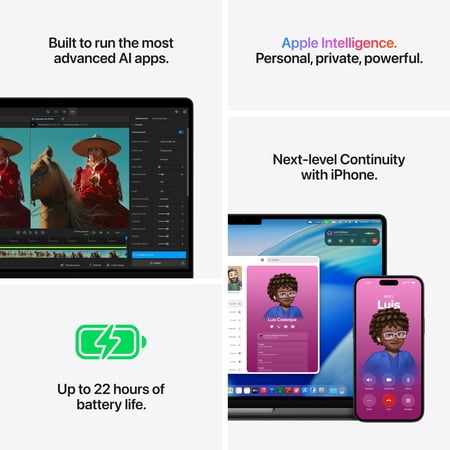
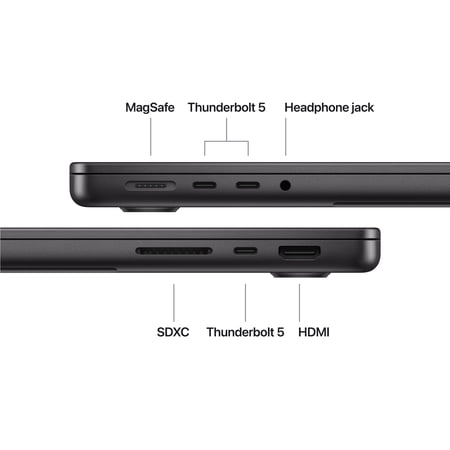
Tom’s Hardware reviewed the 14-inch Liquid Retina XDR generation with an M5 Max and optional nano-texture glass. The site liked the speakers and the range of connections on that sample and found the matte display treatment especially effective. It also measured long battery life on the configuration it tested. Those display and battery observations describe the review unit. Confirm which glass finish the seller offers and look for M5 Pro measurements if you rely on a specific editing or rendering workflow.
Sources: Tom’s Hardware