


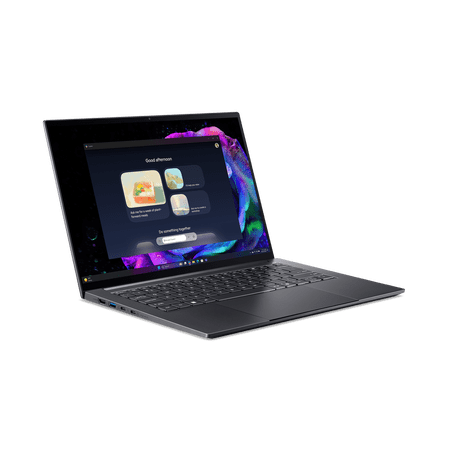
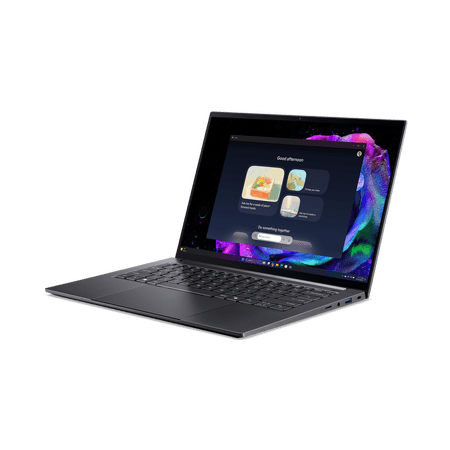
The Acer Swift X 14 AI SFX14-61G-R9QE features an AMD Ryzen AI 7 350 processor, 16GB LPDDR5X RAM, and a 1TB SSD. These components support everyday tasks like browsing, multitasking, and running productivity software. The Ryzen AI 7 350 handles moderate workloads. The 1TB SSD provides storage for files, projects, and media.
The 14.5-inch 2880 x 1800 OLED screen with a 120Hz refresh rate offers vibrant colors. The laptop includes Wi-Fi 6E and runs Windows 11 Home.
The RTX 5050 is an entry-level gaming GPU. The latest games may require lower settings to run. This makes the laptop less suitable for intensive gaming or high-end video editing. Users seeking more demanding performance should consider a model with a more advanced graphics card.
This Swift X makes sense for someone moving between a classroom, a shared workspace and a desk. Think about how you split a project between those places. You might sort footage and make rough cuts on the laptop, then use a larger monitor for a timeline, preview and media bin at home. If you want all of those visible at once wherever you go, try a larger screen before choosing this format.
Set up around the projects you actually make
Check whether your editor uses the graphics chip for the codecs, effects and export formats you rely on. That will tell you more about the benefit of dedicated graphics than the model name alone. For complex timelines, lower-resolution editing copies can ease playback while keeping the original footage for export. If you run an editor, an image app and a browser together, check your current memory use and verify whether this configuration allows a later upgrade. Buyers who regularly juggle large projects across multiple apps should compare versions with more memory.
The store title mentions touch, so verify that feature for the selected configuration. Match the full SFX14-61G-R9QE code on the store page and verify touch and pen input separately. If you draw directly on your screen, confirm that your intended pen works there before ordering. For an external display, check which connection carries video and whether your dock supplies the power the laptop needs. The laptop ports guide explains how to check a dock or monitor setup.
What reviewers say
PCWorld tested the SFX14-61G with RTX 5060 graphics and 32GB of memory. PCWorld liked its large haptic trackpad and found that it clicked consistently across the surface. The site praised the OLED panel’s contrast but found that reflections could distract in a bright room. PCWorld noted that the active pen worked on its unit’s trackpad and could not write directly on the display. PCWorld also found the fans tolerable under extended workloads and judged battery life middling compared with other laptops it had reviewed.
Sources: PCWorld


