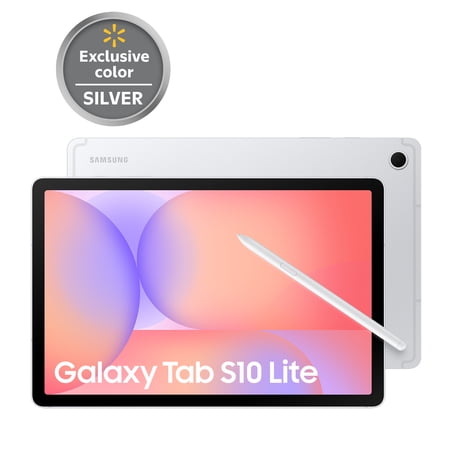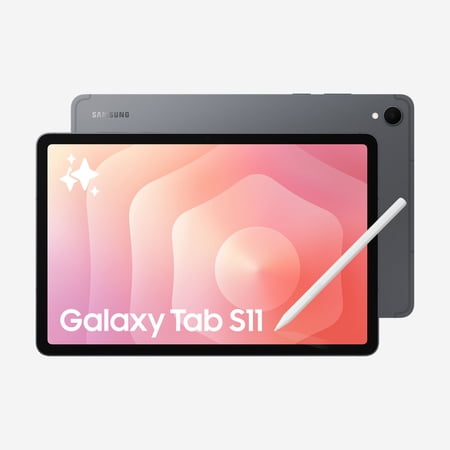
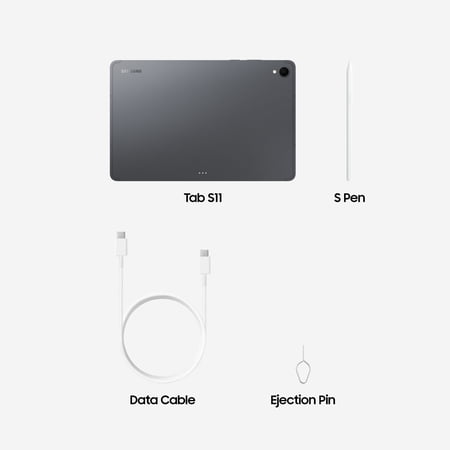
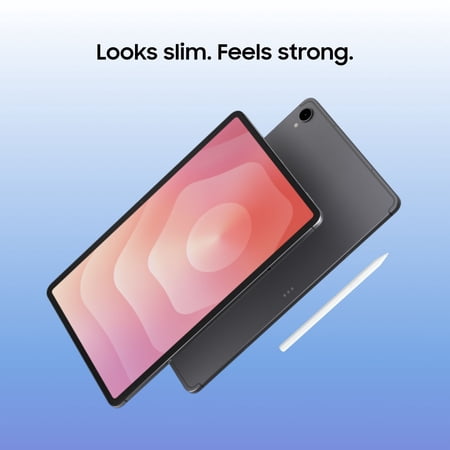
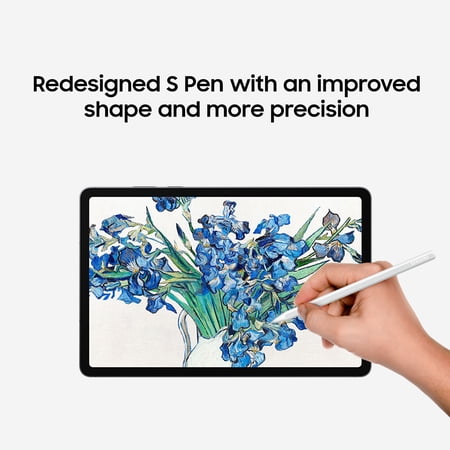
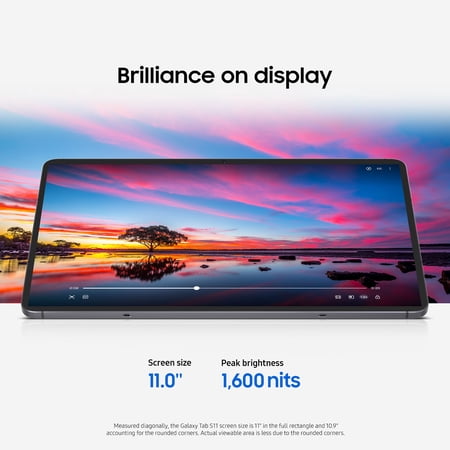

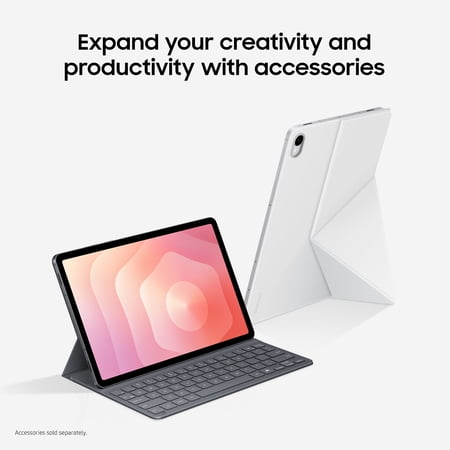
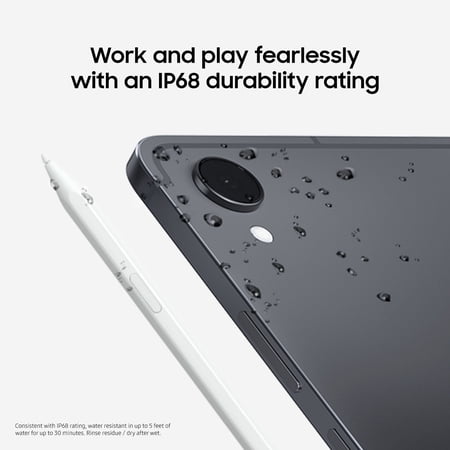
The Galaxy Tab S11 is a good candidate if you already have a reason to use a pen on a tablet. For example, you might mark up class slides, work through a diagram or sign documents while you are away from your desk. The listing pairs the S Pen with an 11-inch screen and names Android 16. Check whether the notes app you plan to use can export and sync in the format you need.
What fits on the screen and in storage
An 11-inch display is useful for working through a page on a desk or in a narrow seat. For drawing with a reference image beside a large canvas, try the same layout before you buy. Someone who expects to do that frequently may prefer a bigger tablet, even if it takes up more space when traveling.
The 128GB capacity needs to cover apps and local files as well as the system. PDFs and text notes generally have a different storage footprint from recorded lectures and creative projects with media attached. If your work includes the latter, sketch out how you will archive files and keep them available offline.
Confirm the complete US model code and the seller’s box contents before buying a folio, keyboard or spare pen. If handwritten work is an occasional need and streaming dominates, the Android tablet buying guide can help identify other models to compare.
What reviewers say
Notebookcheck liked the Galaxy Tab S11’s build and pen, but measured performance loss during sustained load. It was also less satisfied with battery life and the accuracy of the display’s color settings. Those conclusions can help you distinguish between short tasks, such as writing a note, and longer sessions that keep the processor busy. The site’s measurements are particularly useful if your work involves prolonged gaming or you need dependable color for reviewing images. Check the reviewed configuration before applying its runtime figures to your use.
Sources: Notebookcheck