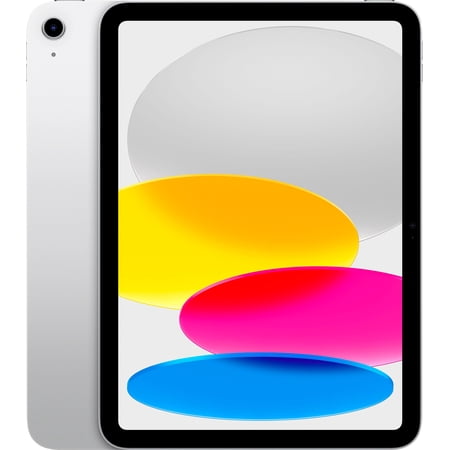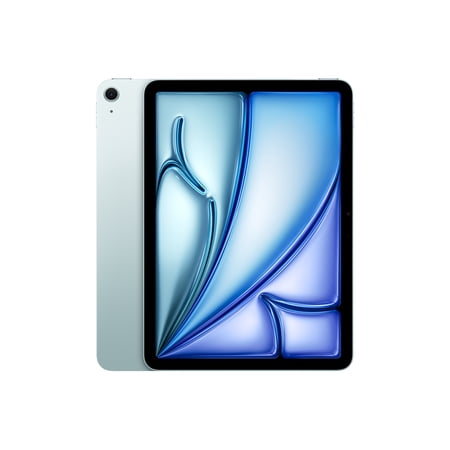
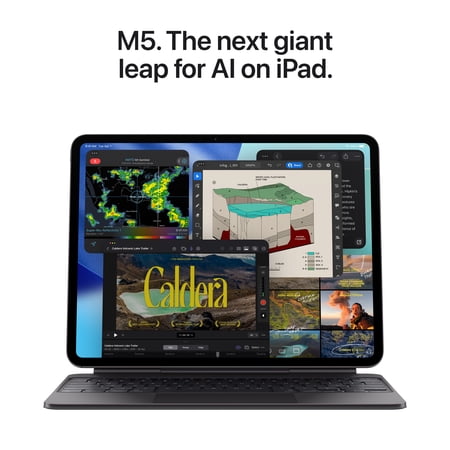
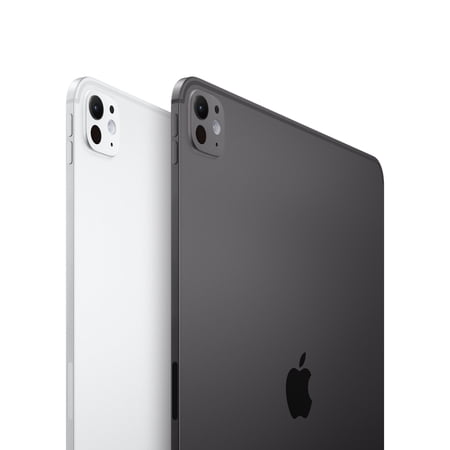
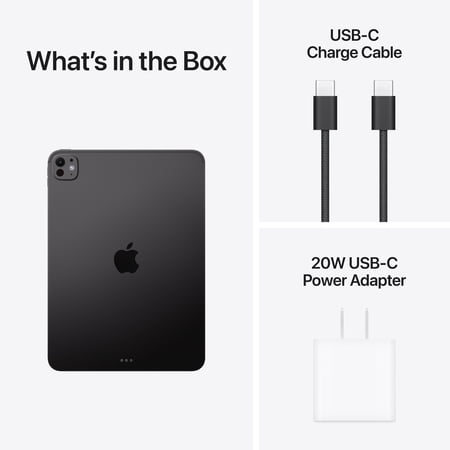
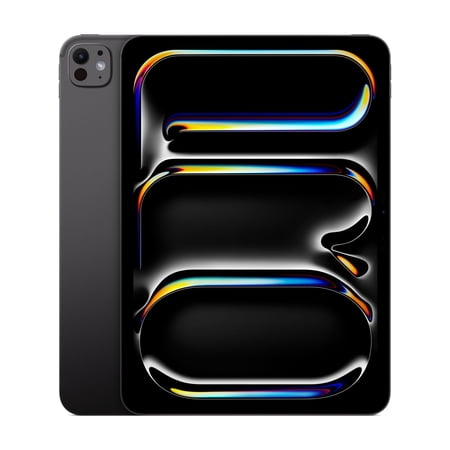
This M5 iPad Pro is the 11-inch Wi-Fi version with 256GB of storage and standard glass. Think about the project you would open first. Someone trimming video or working on large illustrations may have a clear reason to choose the Pro, while someone who reads, makes video calls and watches shows may be served by a simpler tablet.
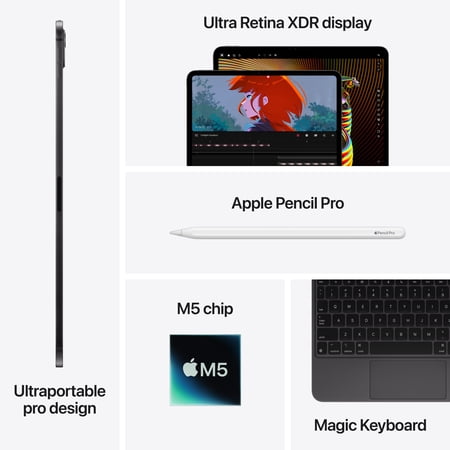
The M5 processor is relevant to demanding apps, and the offer lists an Ultra Retina XDR display. If you review photos or footage, compare how the standard glass handles reflections in your regular workspace. An 11-inch screen travels easily, but if you need several controls and a large preview visible at the same time, try your app on this size before choosing it.
Plan for the whole project
The 256GB storage tier has to accommodate both inputs and exports. Check how much space a representative project uses after you include the app, source files and intermediate versions. If you rely on online storage away from home, remember this is the Wi-Fi model and plan around your available networks.
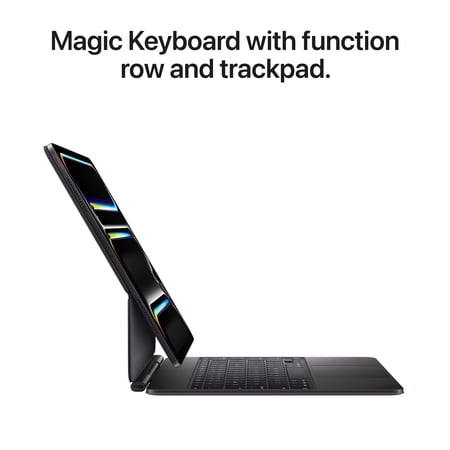
Confirm that the accessories you intend to use fit the 11-inch M5 model. For computer replacement, run through your real iPadOS workflow from import to final delivery and check any external hardware you depend on. The guide to reading a spec sheet can help you separate processor, display and storage priorities when comparing options.
What reviewers say
TechRadar tested the 11-inch M5 iPad Pro and found it handled multitasking, creative apps and demanding games well. The reviewer also praised the OLED display and battery life, while observing that the design stayed broadly familiar from the previous generation. The article is helpful if you need to decide whether your work calls for a processor upgrade or if you mainly want the compact display and body. Compare the reviewer’s workload with your own, particularly if you plan to rely on the tablet for large creative projects.
Sources: TechRadar