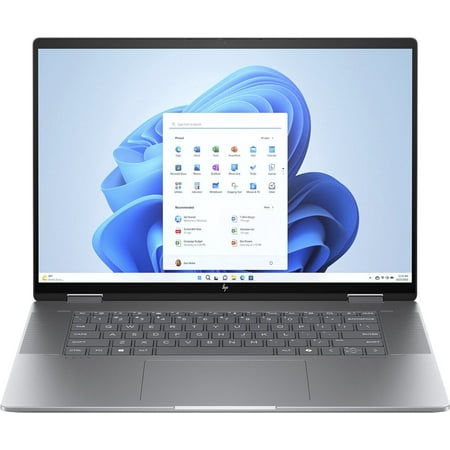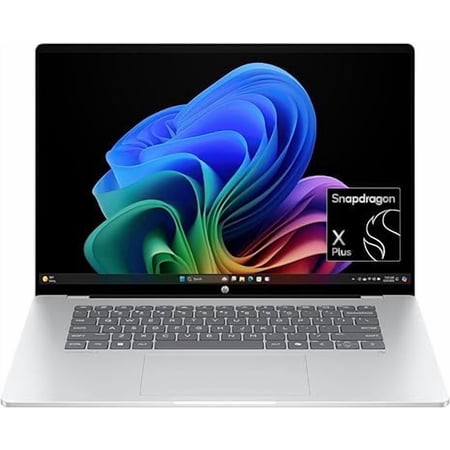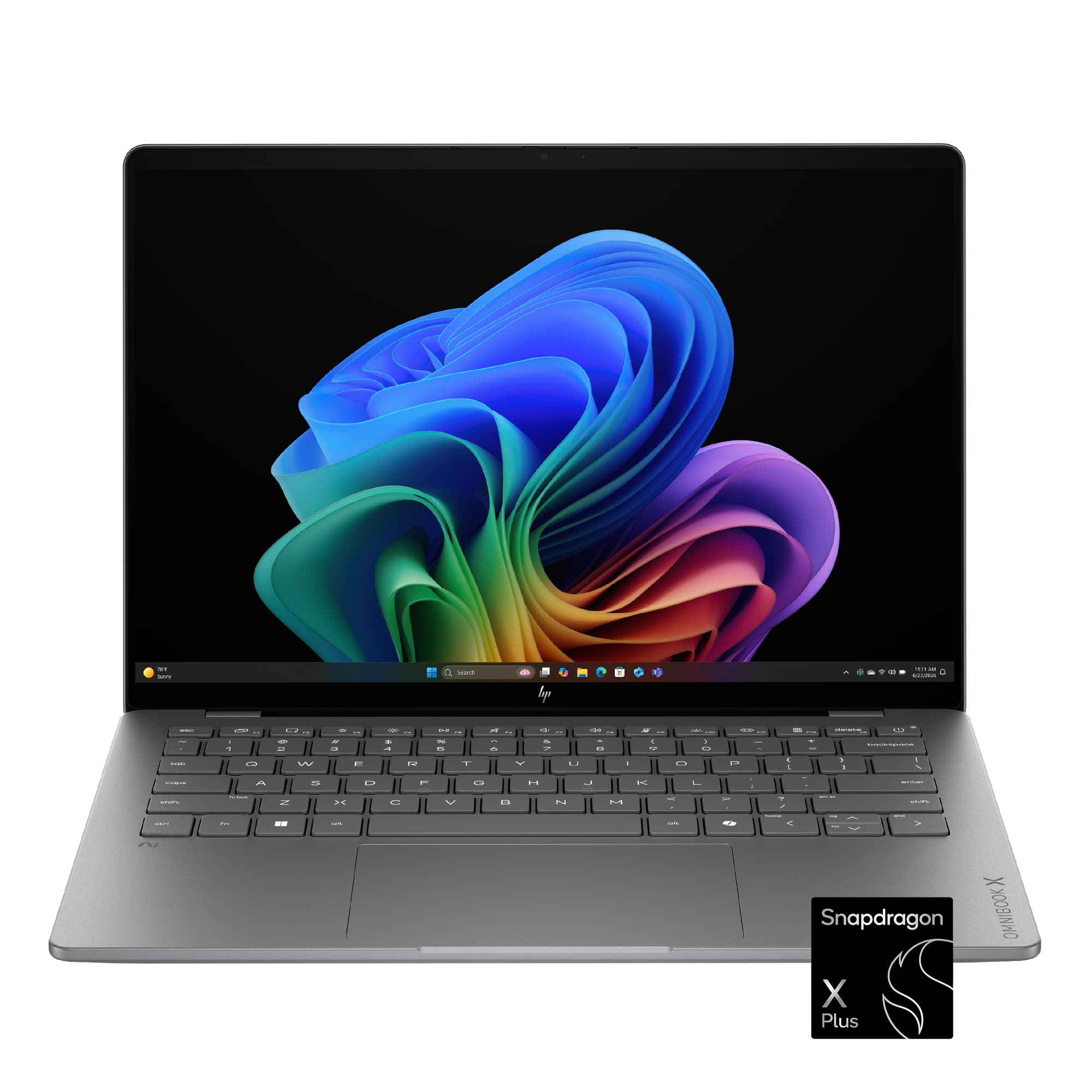
The HP OmniBook X 14 OLED (Snapdragon X Plus, 16GB, 512GB) uses a Snapdragon X Plus processor and integrated graphics, which handle everyday tasks like web browsing, schoolwork, and office work. The 16GB RAM and 512GB SSD provide enough space for multiple applications and files, making it suitable for users who need to keep several programs open at once. This setup is practical for those who prioritize ease of use over high-performance computing.
The 14-inch 2K OLED screen stands out for its screen quality, which supports tasks that require direct input. The touchscreen adds convenience for note-taking and interaction, making it useful for students and professionals who need a flexible workspace.
There are no major limitations to note, so the laptop is well-suited for the intended uses. Users looking for more advanced graphics or heavier multitasking may need to consider other options.
This OmniBook is a good candidate for someone who moves between a desk and classes and does most of their work in familiar apps. The main thing to settle before buying is software compatibility. Snapdragon runs Windows on Arm. Check the exact versions of any exam browser, VPN, printer driver or specialist course software you depend on. If a required tool has no supported way to run, choose a laptop that meets the published requirements for that tool. Ask about plugins as well as the main app if both are part of your work.
For reading, try to picture the screen in the places you use it. OLED can show dark video scenes with clear separation between shadows and highlights. In a brightly lit classroom, reflections and readable text size can matter more. The laptop screen guide explains how to compare panel types for those conditions.
Check the accessories you expect to use
Confirm the full HP model code and the exact screen resolution on the store page. If handwritten notes are part of your plan, look for explicit active pen support and confirm whether a compatible pen comes in the box. For a desk setup, check whether your dock can run the displays you want and charge the laptop over the same cable. If you also work with large photo folders, allow room on the SSD for originals, editing caches and exports. Check the connection requirements for your backup drive or card reader.