

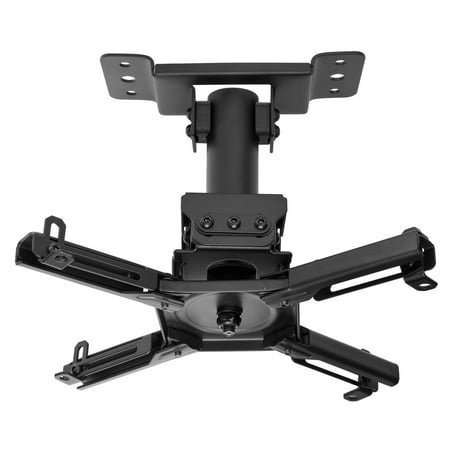
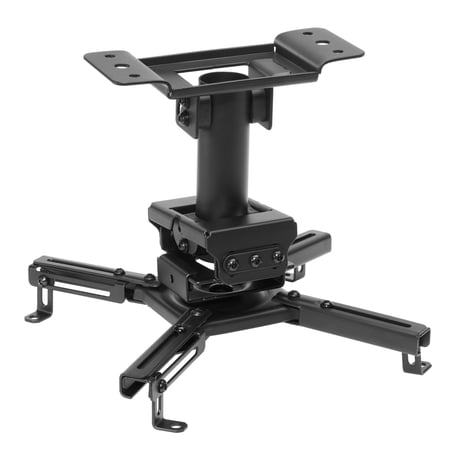
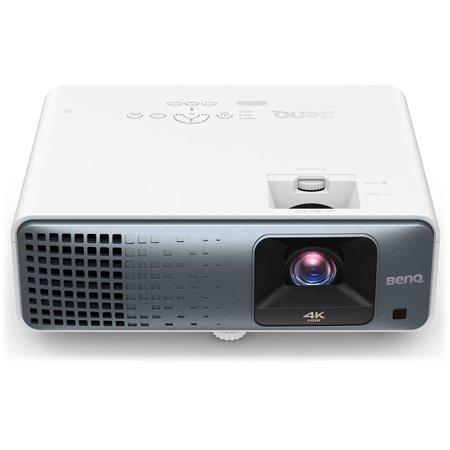
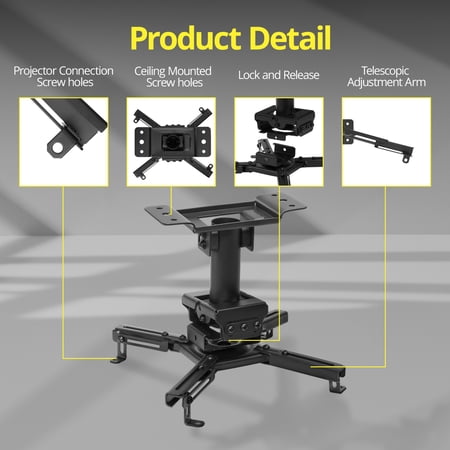

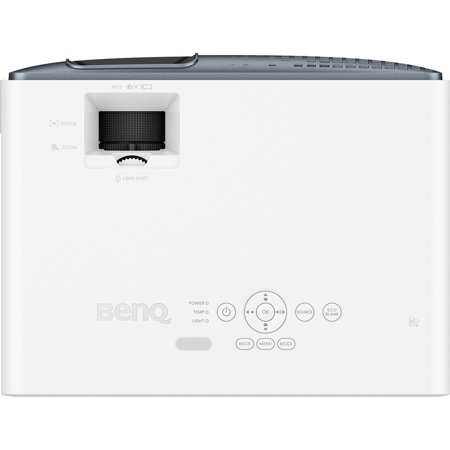
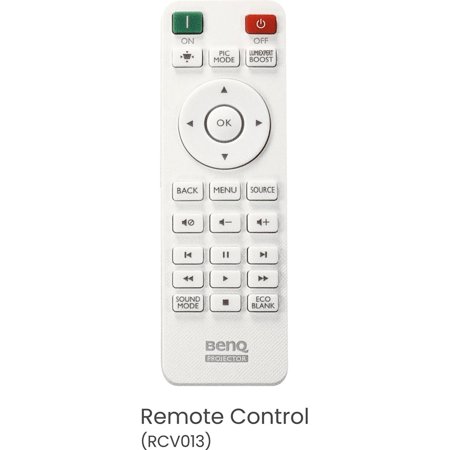
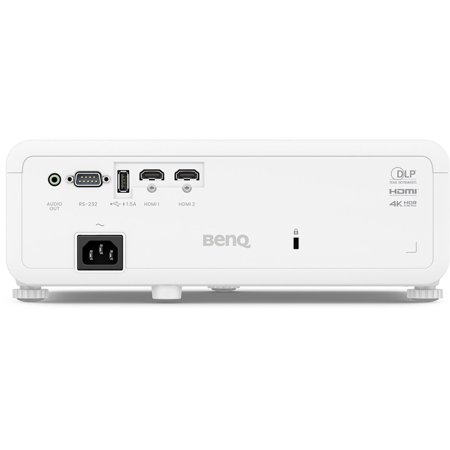
The TK710 is a fit for a room where a console and movie player share the same screen. This offer includes an H&A ceiling mount, which can keep furniture and foot traffic out of the projection path. Decide where the screen and seating will go before committing to a ceiling position. Moving the screen later can mean repositioning the projector and rerouting cables. If the screen drops down in front of furniture, check the beam path with the screen fully extended.
Start with the room measurements
Measure from the proposed lens position to the screen, then check that distance against the throw range for your preferred image size. Confirm the mount pattern, the supported load and the clearance needed to reach the inputs. Plan where power and video will run before installing the mount. If the only usable position is right by the screen, look for a short throw model designed around that placement.
The listing specifies 4K UHD and HDR. Fine details such as game menus and subtitles can benefit from a sharp source, but the image still needs to be in focus across the screen. Check which resolution and refresh rate combinations the projector accepts if you switch between fast games and movies. For a PC source, the guide to video connections can help identify the output. Verify the supported signal modes at both ends before running the cable through the ceiling.
What reviewers say
Projector Reviews found the TK710 bright enough to work with moderate room lighting and praised its image detail and contrast. The site found vertical lens shift helpful for lining up the picture and noted that the quickest gaming response came at a lower resolution than its 4K mode. The reviewer found the built-in mono sound limited and pointed out that streaming requires an external source. Those are useful considerations when planning the audio and playback equipment around the projector.
Sources: Projector Reviews


