
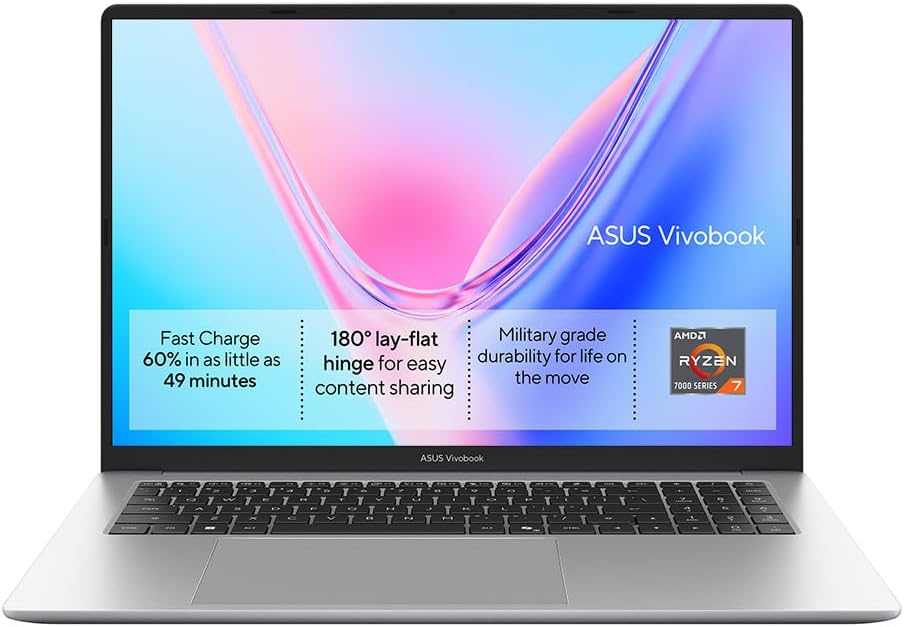
This Vivobook is a fit for someone who wants a roomy screen for reading, writing, and spreadsheets. You can keep a source document open beside your notes or review a timetable without constantly switching windows. If the computer spends much of the day in your bag or on a narrow tray, check its dimensions against the space you have. A smaller laptop may be easier to use in those places.
Look at memory first
The Ryzen 7 can make sense for tasks that use the processor heavily, but 8GB of memory leaves less room to juggle a long video call, a crowded browser, and other apps. If that sounds like your usual day, check whether the memory can be expanded on this exact model or compare a configuration with more memory installed. The guide to 8GB laptops explains why this matters even when the processor name looks promising.
The 512GB drive gives you space for course files and some media to take offline. If you work with a lot of video, plan where you will keep finished projects and backups. Also check the display’s exact resolution and finish on the store page. The term 2K is too broad to judge how much room a spreadsheet will have or how the screen will look next to a window.
This is an Amazon UK listing. For an international order, confirm the keyboard layout and charger plug, and ask whether warranty service is available in your country or requires sending the laptop back to the UK.
Plan what happens if it needs service
If you order this Amazon UK configuration from abroad, save the seller’s warranty terms before checkout. Find out whether the seller or the manufacturer provides service and whether remote diagnosis is available before you have to ship anything. Keep the serial number and order record together. If a fault requires an international return, ask who arranges shipping and how long you might be without a machine. That matters if you have deadlines and rely on one computer.
Once it arrives, use the new laptop setup checklist to work through the checks while the return window is open. Confirm the installed operating system and the exact model shown in system information. Open the apps you need for school or work and try your usual headset and wireless network. If you depend on a particular dock to keep your desk tidy, verify video output and charging with your own equipment. Check for a clear match on those functions before you make this the only computer you can use for your next deadline.


