
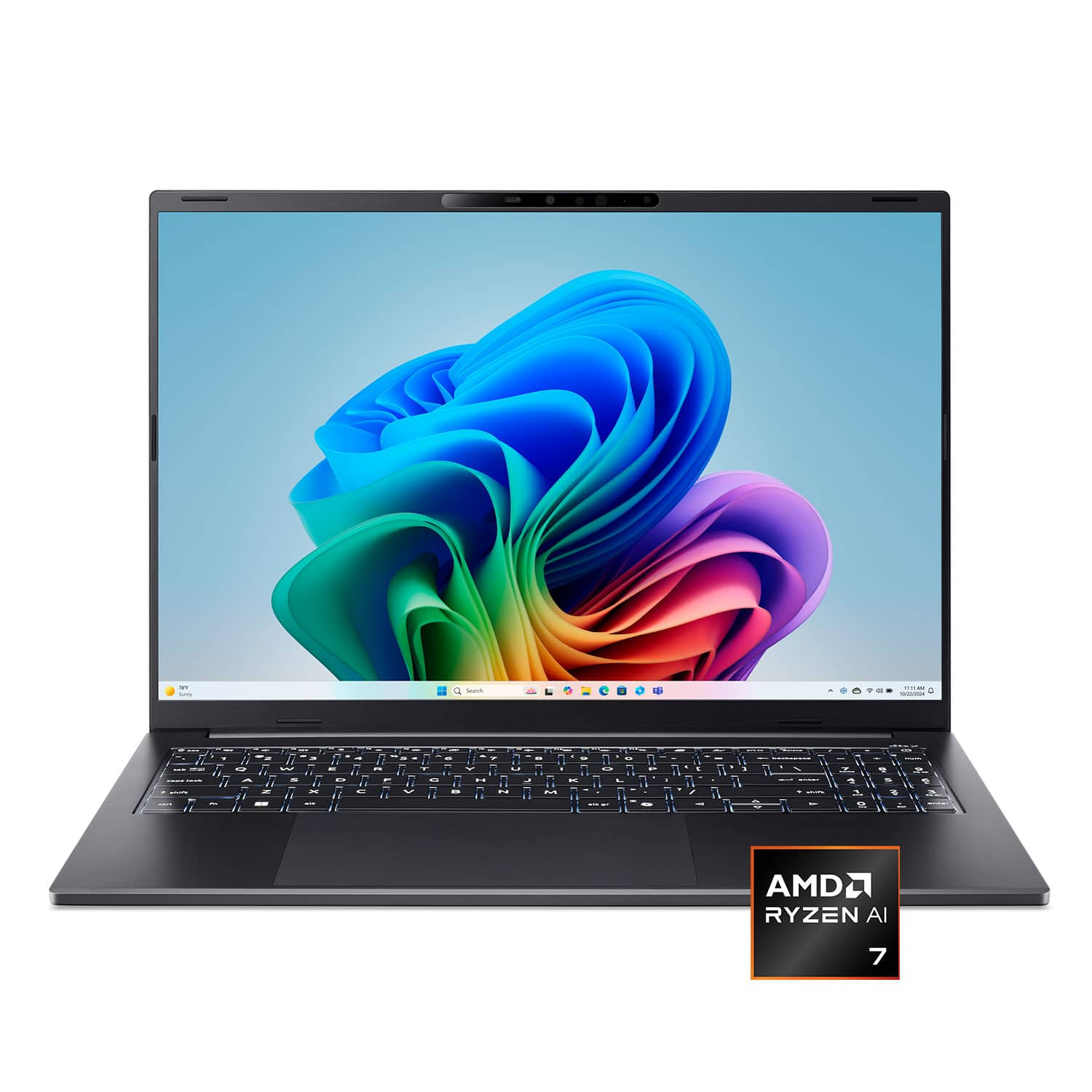
The Acer Swift Go 16 AI (Ryzen AI 7 445, 1TB) uses an AMD Ryzen AI 7 445 processor with integrated graphics, 16GB of RAM, and a 1TB SSD. This setup handles web browsing, schoolwork, and office tasks. The 16GB RAM allows for multiple applications to run at once, which is useful for multitasking. The 1TB SSD provides space for files, documents, and basic media.
The 16-inch screen with a 1920 x 1200 resolution and 120Hz refresh rate is good for web browsing, schoolwork, and office tasks. The touchscreen adds convenience for note-taking and interaction. The large size offers a better viewing experience. It suits users who prioritize screen size and storage capacity.
There are no major limitations to mention. The hardware is sufficient for its intended use. Users looking for more advanced graphics or higher performance for tasks like photo editing may need a different model.
Set up the screen for the work you do
Try putting a reference PDF beside your draft, or give a spreadsheet most of the screen and leave a narrow column for instructions. The taller layout gives those windows more vertical space, so less of a page disappears below the fold. The 120Hz refresh rate can make scrolling through a long reading look smoother. If you work near a window, check the panel finish and brightness on the exact model. Those details matter when the room makes text difficult to see.
This Swift is a better fit for someone working at a desk or a regular library table than for someone who usually opens a laptop on a narrow lecture seat. Measure the laptop compartment of the bag you actually carry and check the dimensions of the charger if both will travel regularly. The laptop guide for new students covers how to choose around the places you spend your day.
If your courses require 3D modelling or GPU-heavy video effects, compare the department’s hardware requirements with the exact configuration before ordering. For illustration or handwritten maths, confirm active pen support and whether a compatible pen is included. A touchscreen alone tells you little about how it handles a palm resting on the panel. If you use a monitor at home, check how it connects and whether your setup needs an adapter or dock.
What reviewers say
Tom’s Hardware reviewed the Ryzen AI 7 445 version with the same memory and storage capacities. Tom’s Hardware found the IPS display good and the laptop responsive in ordinary use. The site measured slower SSD performance than on some of the laptops it compared, but said that the gap was unlikely to be apparent in everyday tasks. Tom’s Hardware also found third-party apps and shortcuts preloaded. If you want a clean workspace, it may be worth taking a few minutes to review what starts with the system.
Sources: Tom’s Hardware


