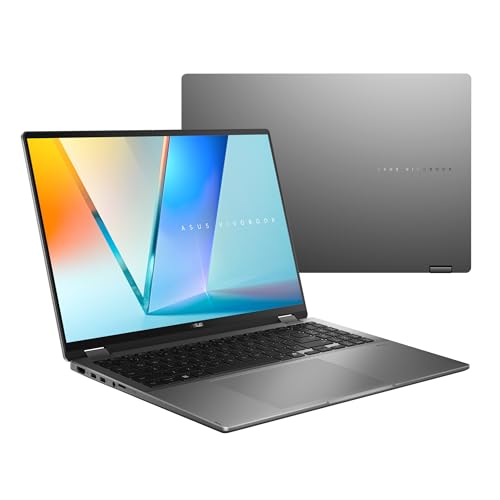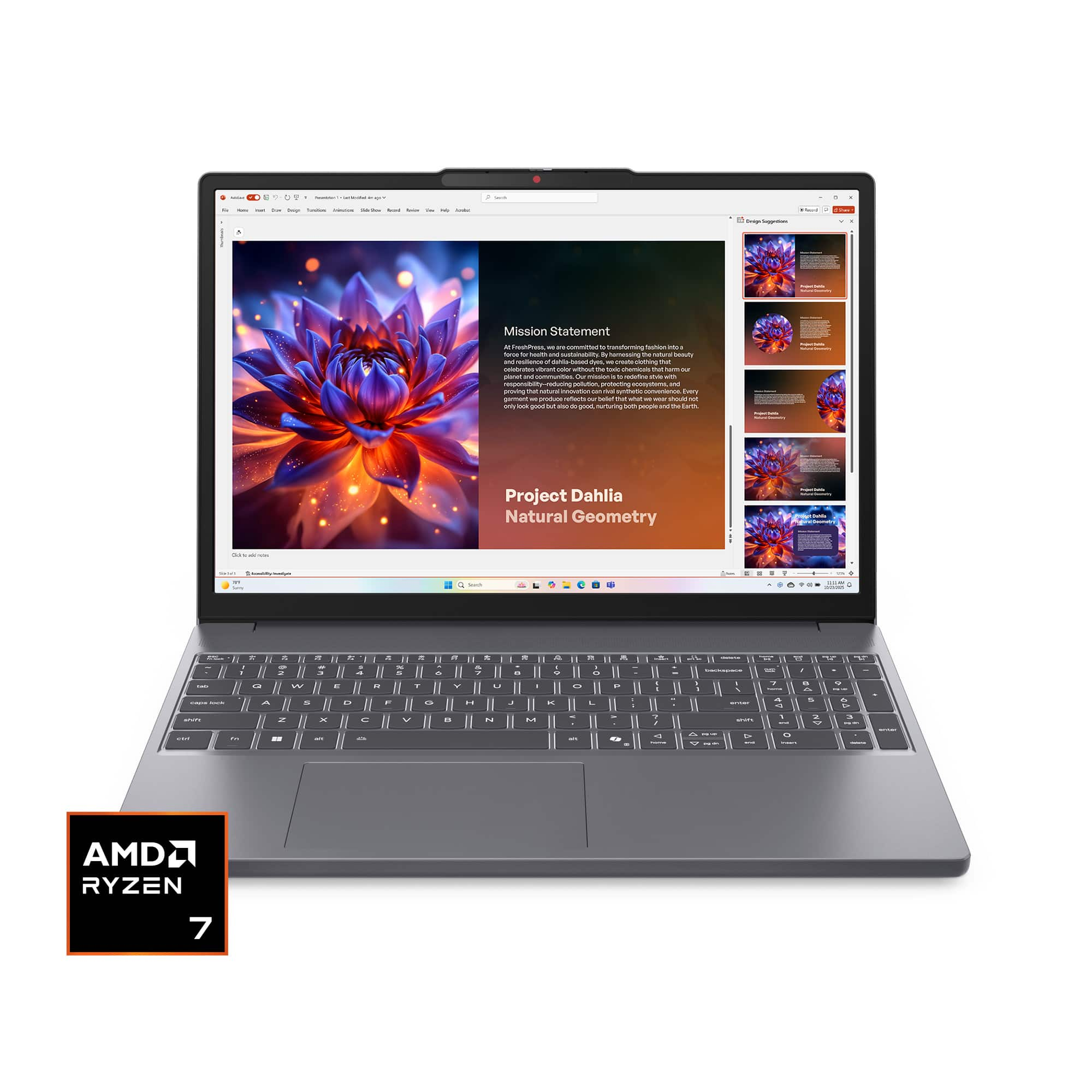
This touchscreen IdeaPad fits a student who regularly reads an article alongside a draft. The 15.3-inch display offers room for both and lets you scroll directly on the screen when reading.
Choosing a configuration
- This version uses the AMD Ryzen 7 8840HS. If you work largely in one document, the display and the space it takes up may matter more than the processor. Buyers who need complex graphics work or large local development environments should judge the configuration against their own software requirements.
- The configuration has 16 GB RAM. That amount is sensible when the main workload is one active project at a time with ordinary background apps. For long sessions with several large spreadsheets, a meeting and many live tabs, check your current memory use before choosing. Extra capacity is mainly a benefit when those tasks overlap.
- The listed capacity is 512GB SSD. The capacity is useful when you need documents without an internet connection. Allow for software and system files before deciding how much of your existing library to copy. Large recordings and original image files deserve particular attention if they will accumulate over several terms.
Confirm the machine type and touch display on the order page. If you want to write on lecture slides, check active pen support separately. For help comparing these choices, see the guide to laptops for work.

Lenovo IdeaPad Slim 3 15.3 Touch (Ryzen 7 8840HS, 16GB), 15.3" 2K touchscreen, AMD Ryzen 7 8840HS, 16GB RAM, 512GB SSD
$599.99
Bestbuy.com