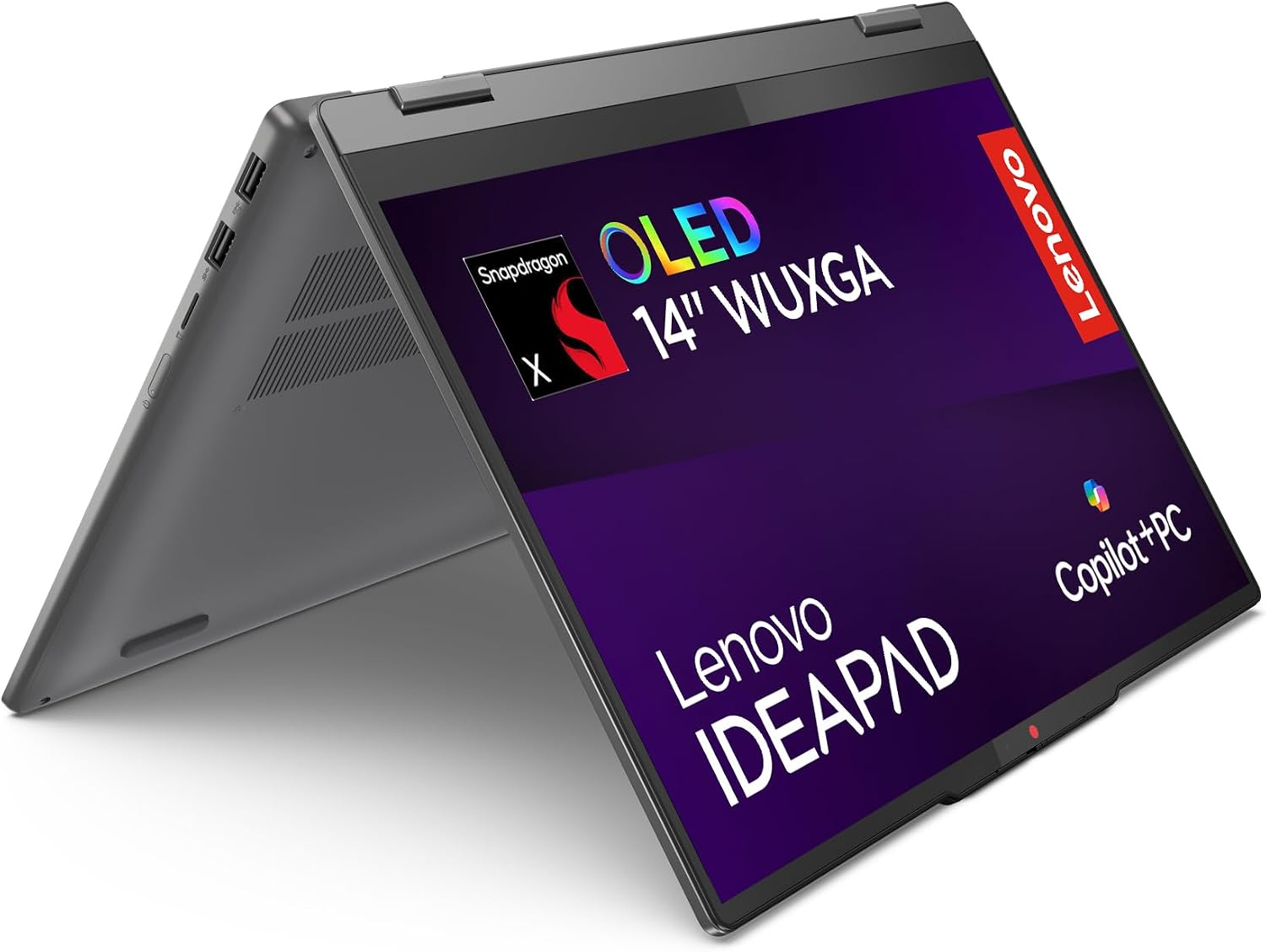
The IdeaPad 5 is a convertible for people who can do most of their work in a browser or confirmed Windows on Arm apps. The OLED screen is a reason to consider it for media and reading. If the hinge is the attraction, check how you would use touch or a pen in your own note-taking app.
Start with your software list
Native Arm apps and many emulated Windows programs can work well for routine tasks. Drivers, specialized plug-ins and some games can require explicit Arm support. Check the version from your school or employer, along with any required printer, audio device or security tool. If one required app is unsupported, a conventional Intel or AMD Windows laptop may be easier to use.
See the guide to processor names for context on Snapdragon and other laptop chips.
See the guide to OLED and IPS to compare the screen with other convertibles.
This drive size is practical for documents, applications and a moderate local media collection. A photo library and downloaded video can grow faster than everyday work files. Check the space your current folders already occupy, then allow for the operating system and future updates. If you spend time away from reliable internet, remember to count materials you need to keep offline.
Before you buy
Confirm the exact model on the store page and look at what the seller includes. If you need a specific display feature or connection for an accessory you already own, verify it on that configuration before ordering.
What reviewers say
Notebookcheck tested the Snapdragon X Plus version of this convertible. The site found that it stayed quiet in ordinary use and lasted well on a charge. Notebookcheck liked the OLED touchscreen and found the convertible design gave it more ways to work on a desk or in a tight space. The site also found that the appeal of the Qualcomm chip depended on software support. Notebookcheck’s performance and runtime results reflect the X Plus unit and the apps it was able to run.
Sources: Notebookcheck